Batch Picking for Small Warehouses: A Practical Guide
For many small warehouses, picking labor is not lost in the actual grab of the product. It is lost in the walking. When one employee travels the same aisles over and over to pick one order at a time, labor hours disappear into motion that adds no customer value.
That is why batch picking for small warehouses can be such a practical win. Instead of sending a picker on a separate trip for every order, batch picking combines several orders into one pass through the warehouse. Done well, it cuts travel time, raises picks per hour, and helps a small team keep up without adding headcount too early.
This guide explains when batch picking works, when it does not, and how to implement it in a small operation without creating a sorting mess at the packing bench.
What batch picking is and why it matters
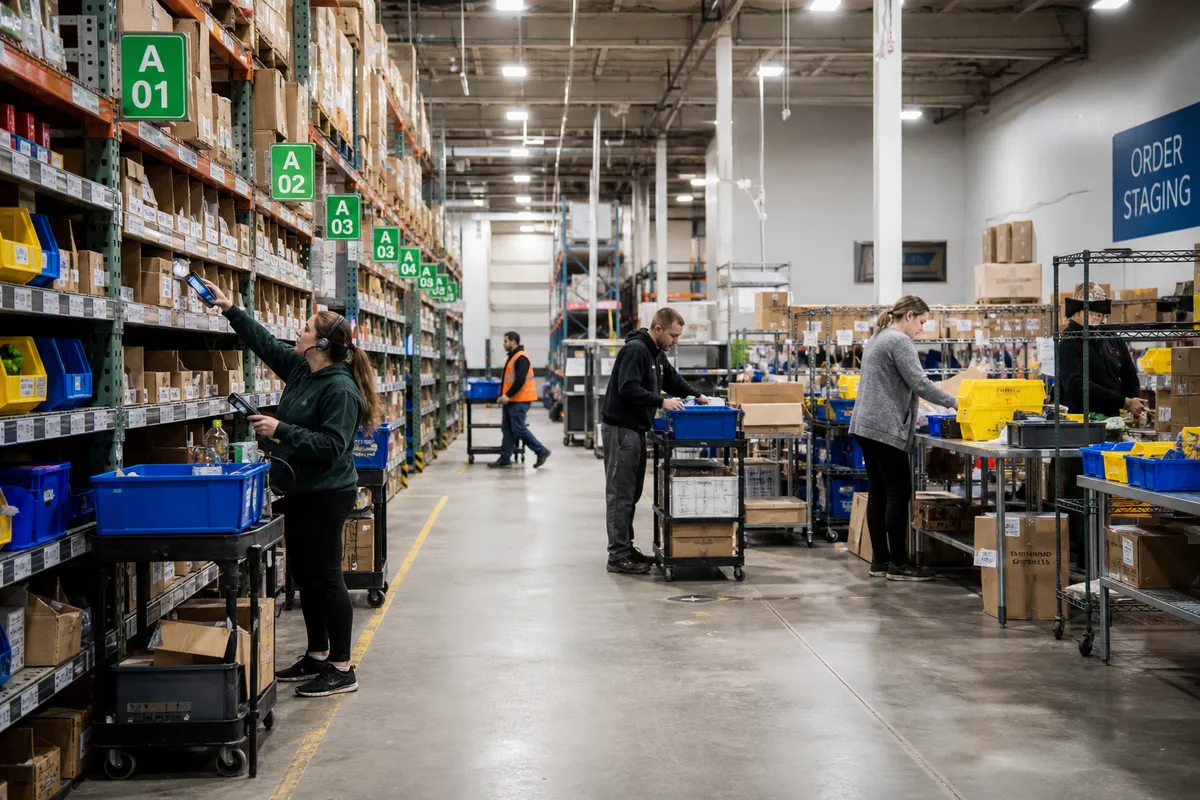
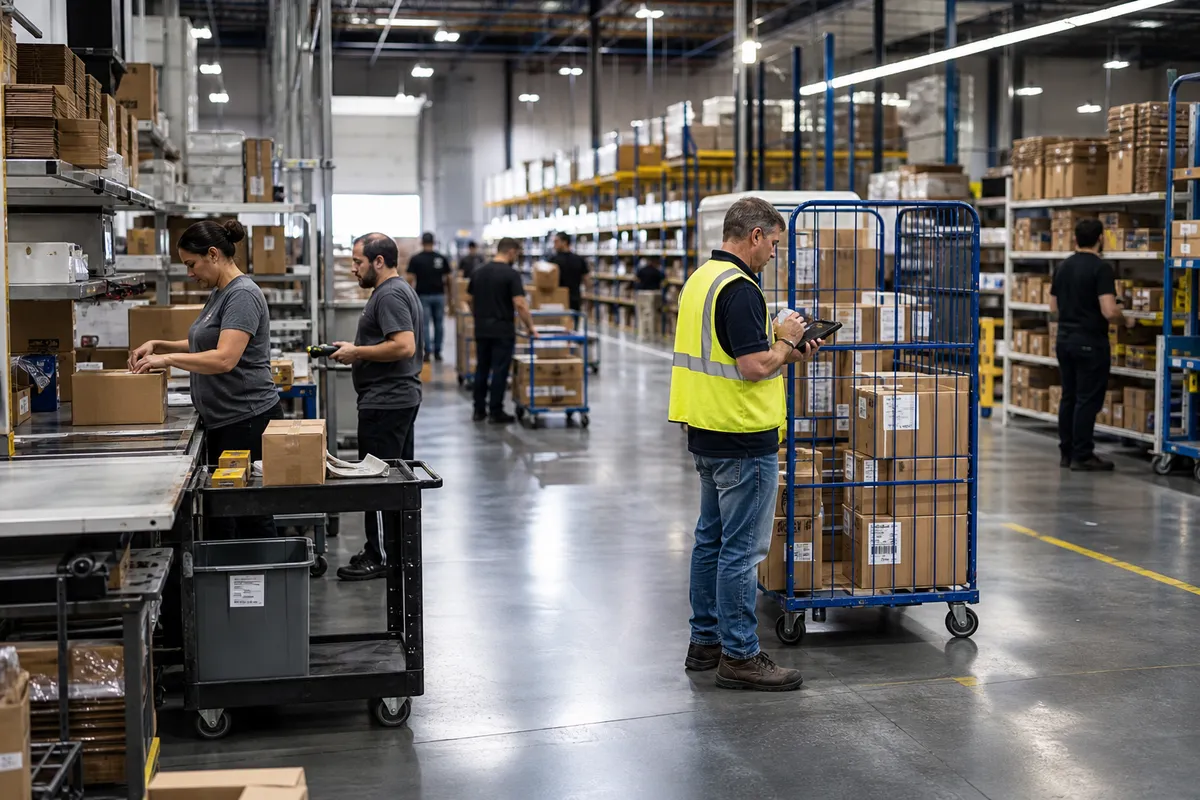
Batch picking means picking items for multiple orders during one warehouse trip. A picker may carry a cart with several totes, each assigned to a different order, or pick a grouped quantity of common SKUs and sort them after the walk.
The method is valuable because travel is often the largest hidden cost in order fulfillment. In small warehouses, it is common for 50% or more of picking time to be spent moving between locations rather than handling products. Reducing that wasted travel can create immediate capacity without changing the building footprint.
If a picker walks 8 minutes for every 10-minute order cycle, even a modest reduction in travel can outperform far more expensive process changes.
If you are reviewing broader workflow improvements, our warehouse operations blog covers related strategies for small teams.
When batch picking works best
Batch picking is not the right answer for every order profile. It performs best in warehouses with a few specific traits.
Order profiles with few lines per order
If most orders contain one to five lines, combining them into one trip usually saves substantial time. This is common in e-commerce, parts distribution, and small B2B replenishment operations.
High SKU overlap across orders
Batching is especially effective when several orders contain the same popular SKUs. One stop can satisfy multiple customer orders, which dramatically cuts travel.
Small, easy-to-handle items
Batch picking works best when products fit into totes, shelves on a cart, or small bins. Bulky items, hazardous materials, or products with special handling often need a different method.
Moderate daily volume
If you ship 30, 80, or 200 small orders per day, batch picking can help a lot. If volume is extremely low, the complexity may not be worth it. If volume is very high, you may need zone picking or more advanced automation layered on top.
When batch picking is a poor fit
Small warehouses should avoid forcing batch picking where it creates more problems than value.
- Large, bulky, or heavy orders: cart capacity becomes the bottleneck.
- Highly customized orders: sorting and verification may take longer than individual picking.
- Very low SKU overlap: if every order goes to completely different locations, savings shrink.
- Urgent same-hour orders: waiting for a batch to form can delay priority shipments.
- Tight aisles and congestion: large picking carts can slow everyone down.
In these cases, discrete picking, wave picking, or a hybrid process may perform better.
The real gains small warehouses can expect
In a small operation, batch picking often improves productivity by reducing touches and repeated travel. Reasonable early-stage results include:
- 10% to 30% less picker travel time
- 15% to 35% more lines picked per hour
- Lower overtime during daily shipping cutoffs
- Better use of experienced workers at packing and verification
The exact result depends on layout, SKU velocity, and current process discipline. A warehouse already using strong slotting and barcode controls may see smaller gains than one still picking from printed order stacks.
How to decide if batch picking is worth testing
Before changing the process, run a quick baseline review for one week.
Track these five numbers
- Orders per day
- Average lines per order
- Average units per order
- Picker travel time per order
- Pick accuracy rate
If your average order has a low line count and your team spends a large share of the shift walking, you have a strong batch-picking candidate.
A simple rule of thumb
Test batch picking if all three of these are true:
- Average order lines are under 5
- At least 20% of daily orders share popular SKUs
- Pickers frequently revisit the same fast-moving locations during the same shift
Three batch picking models for small warehouses
You do not need a complex automation project to start. Most small operations use one of these practical models.
1. Pick-to-tote batching
Each order gets its own tote on a cart. The picker scans the location, scans the item, and places it directly into the correct tote. This is the cleanest method for accuracy and works well for 4 to 12 orders at a time.
2. Cluster picking with cart shelves
Similar to pick-to-tote, but the cart uses multiple shelves, bins, or compartments. This is useful when orders vary slightly in size and need visual separation.
3. Pick-then-sort batching
The picker collects total quantities of shared SKUs for a batch, then sorts them at a pack bench. This can be very fast for high-overlap orders, but it carries a higher sorting-error risk if controls are weak.
If you are evaluating software support for these workflows, see StockRoute's warehouse management features for tools that simplify batch creation and scanning.
How to set up batch picking without creating errors
The biggest failure point in batch picking is not the walk. It is order separation. A faster trip means nothing if the wrong item lands in the wrong box.
Use clearly labeled containers
Every tote or cart position should have a unique identifier. Large printed order numbers, customer short codes, or scannable labels reduce confusion during fast picks.
Cap batch size early
Many small warehouses start with too many orders per batch. Keep the pilot simple. Start with 4 to 8 orders per batch. Increase only after accuracy stays stable for at least two weeks.
Separate fast and slow movers
Create batches around the order profile, not just order count. Fast-moving SKU batches are easier to execute than mixed batches spread across the entire facility.
Require scan confirmation at pick or pack
Barcode verification is one of the strongest controls against batch errors. The U.S. Occupational Safety and Health Administration also emphasizes clear workflow design and safe handling practices in material movement environments at OSHA's materials handling guidance.
Design a simple exception lane
Backorders, damaged units, and short picks should not stop the batch. Create a standard exception process so the picker can finish the run and flag the issue for replenishment or customer service follow-up.
A step-by-step rollout plan for a small warehouse
Step 1: Choose one order segment
Start with your easiest order family, such as small parcel orders with 1 to 3 lines and common SKUs. Avoid launching across every order type on day one.
Step 2: Build a basic cart standard
Use a cart with 4 to 8 tote positions. Label each slot clearly. Keep labels in the same position on every cart so workers do not relearn the layout.
Step 3: Create batch rules
Examples of simple batch rules include:
- Maximum 8 orders per batch
- Maximum 25 total lines per batch
- Only small parcel orders
- No hazardous, oversized, or refrigerated items
Step 4: Train on order separation first
Do not train only on speed. Train on tote discipline, item verification, and exception handling. The first goal is to maintain or improve accuracy while reducing travel.
Step 5: Pilot for two weeks
Run the new method on one shift, one picker, or one section of daily orders. Compare results to your baseline.
Step 6: Review metrics weekly
Look at lines per hour, orders shipped before cutoff, and packing corrections. If throughput improves but corrections rise, tighten controls before expanding.
Metrics to track after launch
Do not judge the process on a single busy day. Track performance consistently.
| Metric | Why it matters | Target direction |
|---|---|---|
| Lines picked per hour | Measures labor productivity | Up |
| Travel time per batch | Shows motion reduction | Down |
| Pick accuracy | Protects customer service and rework cost | Up or stable |
| Orders shipped before cutoff | Shows fulfillment reliability | Up |
| Packing exceptions | Reveals sorting or verification issues | Down |
If you want a useful benchmark framework, publications such as inbound logistics regularly cover warehouse productivity measurement and fulfillment best practices. Their operational content can help validate what good performance looks like in growing facilities: Inbound Logistics.
Common mistakes that undermine batch picking
Making batches too large
More orders are not always better. Large batches create mental overload, cart congestion, and sorting errors. Start smaller than you think you need.
Ignoring pack-station design
Batch picking changes work upstream and downstream. If packing stations are disorganized, savings from faster picks disappear into bench confusion.
Mixing incompatible order types
Combining fragile products, multi-carton orders, and tiny parcel orders into one batch usually adds complexity without meaningful travel savings.
Skipping replenishment discipline
Fast pick paths fail if primary locations are empty. Batch picking depends on reliable forward pick replenishment so the picker is not constantly diverted.
Focusing only on speed
Throughput matters, but fulfillment quality matters more. A mis-shipment costs labor, parcel spend, and customer trust. Any batch design must protect accuracy first.
What software should support in a batch-picking workflow
Small warehouses do not need enterprise complexity, but they do benefit from a system that removes manual guesswork. Helpful capabilities include:
- Automatic order grouping by rules
- Mobile pick instructions
- Barcode scanning for item and location verification
- Real-time batch status visibility
- Exception handling for shorts and substitutions
- Integration between picking, packing, and shipping
If your team is still relying on printed order stacks or spreadsheet-based grouping, batch picking becomes harder to scale consistently. StockRoute is built to help small warehouses standardize these workflows without the overhead of enterprise software. You can learn more on our homepage or reach out through our contact page.
A practical example from a small warehouse
Consider a 12-person warehouse shipping 140 parcel orders per day. The average order has 2.6 lines, and many orders contain the same top 40 SKUs. Under discrete picking, one picker averages 55 lines per hour.
The warehouse tests pick-to-tote batching with 6 orders per cart. After two weeks:
- Average lines picked per hour rise from 55 to 71
- Orders completed before carrier cutoff improve from 88% to 97%
- Pick accuracy remains steady because packers scan each item before boxing
The result is not magic. The gains come from fewer repeated trips to the same pick faces and better coordination between picking and packing.
Conclusion
Batch picking is one of the most practical order fulfillment improvements a small warehouse can make because it attacks a common source of waste: repeated travel. When order profiles are right and controls are simple, the method can increase throughput quickly without new headcount or major automation.
The key is disciplined execution. Keep initial batches small, use clear order separation, verify with scanning, and measure both productivity and accuracy. In most small operations, a careful pilot will tell you within two weeks whether batch picking deserves a permanent place in your process.
If you want to make batch picking for small warehouses easier to manage, try StockRoute to organize orders, guide pickers, and keep fulfillment moving with less manual effort. Explore plans on our pricing page or get started at signup.