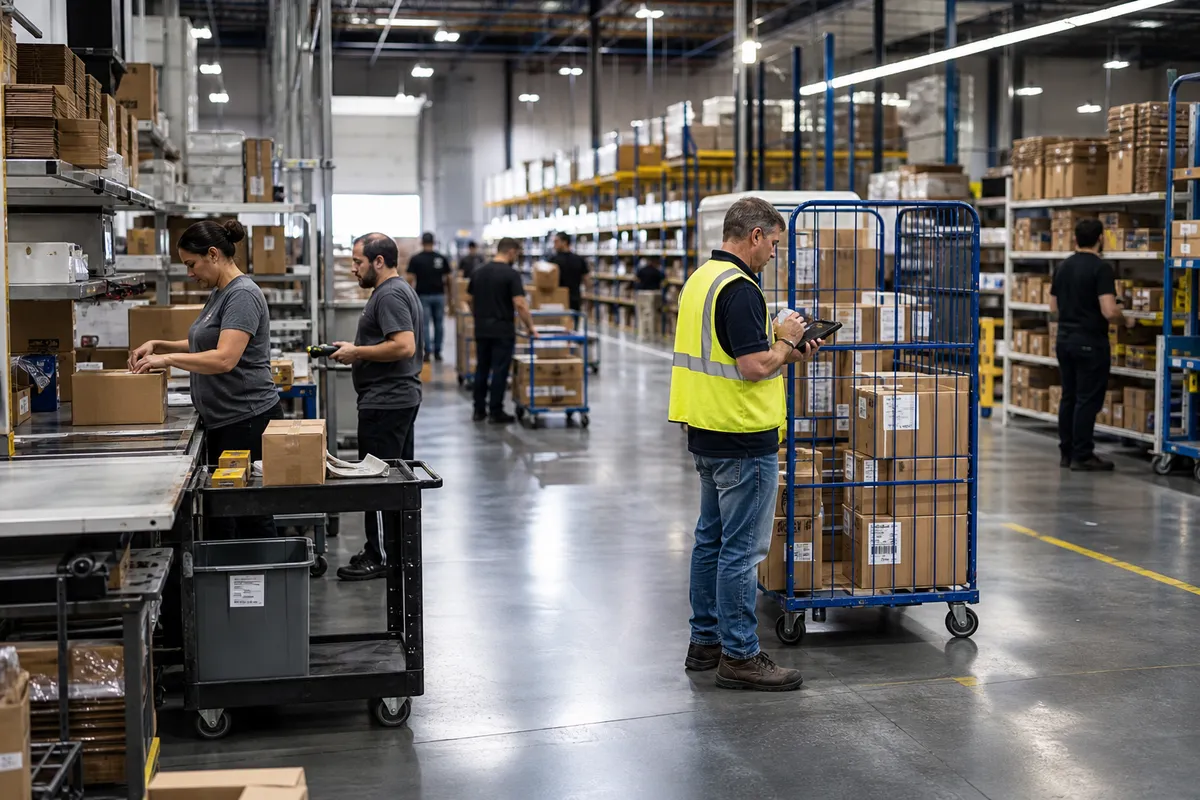
Zone Picking for Small Warehouses: When It Works Best
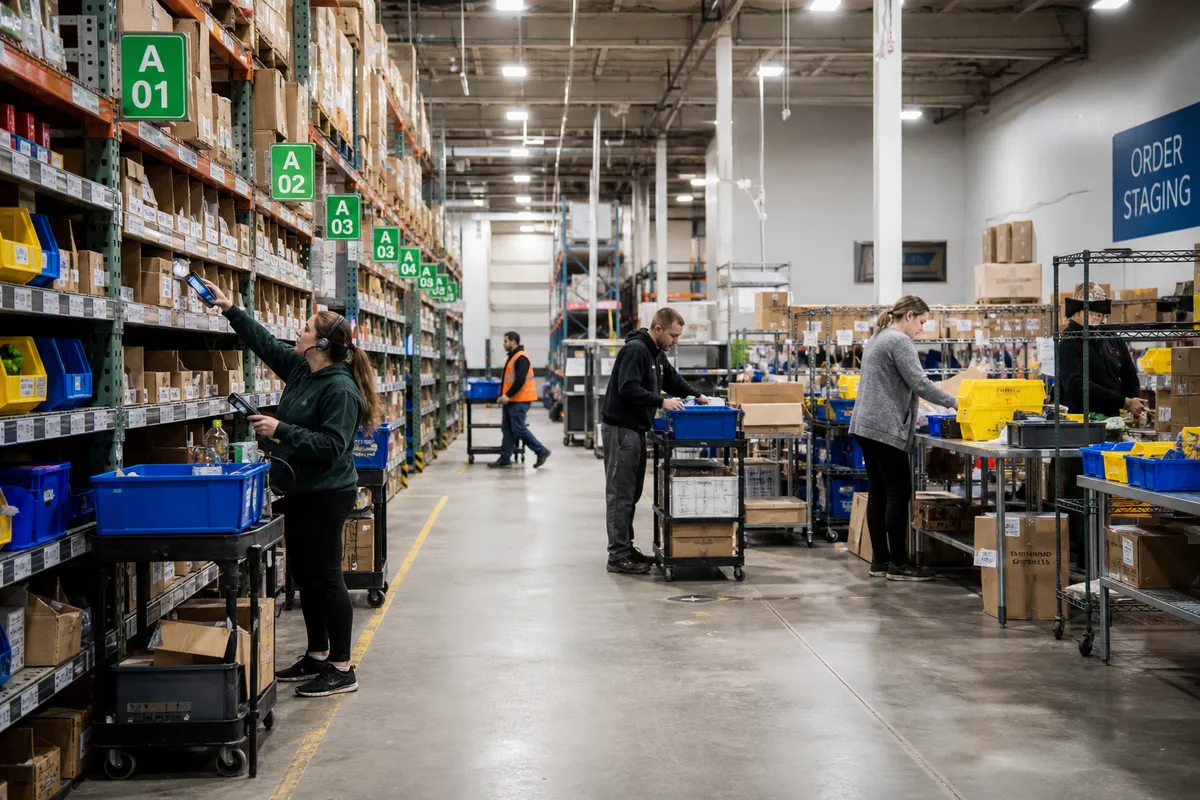
For many small warehouses, the biggest hidden cost in order fulfillment is not packing materials or shipping rates. It is walking. When pickers cross the same aisles over and over to build orders, labor gets consumed by travel instead of productive touches. That is where zone picking for small warehouses can make a real difference.
Zone picking is not the right answer for every operation. In a very compact warehouse with low order volume, it can add complexity without much gain. But when order counts rise, SKU counts expand, and a few hot areas of the warehouse drive most of the activity, dividing the floor into zones can improve throughput, reduce congestion, and make training easier.
This guide explains when zone picking works, how to set it up, what metrics to watch, and the common mistakes small teams should avoid.
What zone picking means in practice
In a zone picking system, each picker is responsible for a defined warehouse area rather than the full building. Orders are either passed from zone to zone, or each zone picks its portion and the order is consolidated before packing.
Two common zone picking models
- Sequential zone picking: An order container, tote, or cart moves through Zone A, then Zone B, then Zone C until complete.
- Parallel zone picking: Each zone picks its own items for the order at the same time, and all items are merged at a packing or consolidation station.
For most small warehouses, sequential zone picking is simpler to launch because it needs fewer synchronization rules. Parallel picking can be faster at higher volume, but it requires stronger control at consolidation.
How to tell if your warehouse is ready for zone picking
Not every operation needs it. Before changing your process, look for signals that your current picking method is hitting limits.
Sign 1: Travel time dominates pick time
If pickers spend more time walking than handling product, zoning is worth evaluating. In many small warehouses, travel accounts for 40% to 60% of total pick labor. If a picker handles 60 order lines per hour in a spread-out layout, and only 25 to 30 of those minutes are actual picking, reducing travel can create immediate gains.
Sign 2: A few aisles get overloaded
Maybe 20% of your SKUs produce 70% of the order lines. If those SKUs sit in one busy part of the building, congestion builds fast. A dedicated fast-mover zone can prevent multiple pickers from colliding in the same area.
Sign 3: Training new pickers takes too long
If every picker needs to learn the entire warehouse, training becomes slow and errors rise. Zone ownership narrows the learning curve. A new employee can become productive faster by mastering one zone first.
Sign 4: Order volume is rising but space is fixed
When you cannot expand the building, you have to get more productive with the floor you already have. Zone picking helps small teams increase throughput without immediately adding headcount.
Sign 5: Special handling requirements are growing
If some SKUs need lot control, fragile handling, hazmat procedures, or temperature control, a dedicated zone can improve compliance and reduce mistakes. For handling and safety guidance, OSHA offers useful warehouse references at https://www.osha.gov/warehousing.
When zone picking is the wrong choice
Zone picking is powerful, but it can fail if used in the wrong setting.
- If your warehouse is small enough that any location is reachable in under a minute, the travel savings may be minimal.
- If most orders contain only one or two lines, handoffs between zones can add more work than they remove.
- If inventory locations change constantly and discipline is weak, zone ownership can break down quickly.
- If order volume is highly uneven by hour and you cannot rebalance labor, one zone may become a bottleneck while others wait.
In those cases, simpler methods may outperform zoning. The goal is not to copy a larger distribution center. It is to choose the simplest process that reliably ships on time.
How to design zones in a small warehouse
The best zones are based on operational logic, not just physical walls or aisle numbers.
Start with order-line data
Review the last 30 to 90 days of orders and identify:
- Lines per order
- Top SKUs by pick frequency
- Cubes and weights
- Special handling requirements
- Aisles with the highest activity
If you have a WMS or reporting tool, pull a simple heat map by location. If not, even a spreadsheet sorted by order-line frequency can reveal where the work really happens.
Create zones around workflow, not equal square footage
One mistake is making every zone the same size. The goal is balanced labor, not equal floor area.
For example, a 10,000-square-foot warehouse might use:
- Zone 1: Fast-moving each-pick items near packing
- Zone 2: Medium-velocity shelving inventory
- Zone 3: Bulk, heavy, or awkward items
- Zone 4: Controlled or special-handling products
Zone 1 may be physically small but process half the day’s order lines. Zone 3 may be larger and slower.
Keep handoffs short
If sequential zone picking is used, design the flow so orders move naturally from one zone to the next with minimal backtracking. Packing should sit downstream from the last high-volume zone whenever possible.
Separate reserve from forward pick where possible
If pickers constantly enter reserve storage to complete active orders, replenishment and picking interfere with each other. Even in a small operation, a basic split between forward pick faces and reserve stock can reduce interruptions.
How to launch zone picking without disrupting service
The safest rollout is a pilot, not a full switch overnight.
Step 1: Pick one order profile
Start with a defined slice of business, such as standard parcel orders, B2C orders under 10 lines, or your top 200 SKUs. Avoid launching across every customer and order type at once.
Step 2: Mark zones clearly
Use visible signs, floor markings where appropriate, and consistent location naming. If labeling is weak, fix that first. Pickers should know instantly where a zone starts and ends.
Step 3: Define handoff rules
Every order needs a clear status. For example:
- Released to Zone 1
- Picked in Zone 1
- Moved to Zone 2 staging
- Picked complete
- Ready for pack
This is where software matters. A system that shows order status and supports mobile scanning reduces lost totes and “where is this order?” confusion. Small teams looking to tighten workflow usually benefit from tools designed for real warehouse execution, not spreadsheets. You can review warehouse management features that support picking control, scanning, and order visibility.
Step 4: Set a simple balancing rule
At least once every two hours, compare queue depth by zone. If Zone 1 has 40 orders waiting and Zone 3 has 10, you may need to move labor temporarily, resequence releases, or rebalance SKUs later. Zones are not permanent walls around people; they are a way to organize work.
Step 5: Measure for two weeks before expanding
Track performance before and after the pilot. Keep the measures simple and visible.
The KPIs that matter most for zone picking
If you do not measure the right things, zone picking can feel better without actually performing better.
| KPI | Why it matters | Small-warehouse target |
|---|---|---|
| Lines picked per labor hour | Shows productivity gain from reduced travel | Improve 10% to 25% after stabilization |
| Order cycle time | Reveals whether handoffs are slowing release-to-ship flow | No increase; ideally decrease 5% to 15% |
| Pick accuracy | Confirms zoning is not creating merge errors | Maintain or improve to 99%+ |
| Orders waiting by zone | Highlights bottlenecks in real time | Watch for persistent queue buildup |
| Touches per order | Ensures extra transfers do not erase labor savings | Keep added handling minimal |
A good benchmark is to test whether travel reduction offsets added handoffs. If zoning saves 20 seconds of walking per order line but adds 15 seconds of sorting and transfer per order, your gain may disappear on small orders. The math matters.
Common mistakes that make zone picking fail
Making too many zones too soon
More zones are not always better. Each added zone creates another possible bottleneck and another transfer point. Most small warehouses should begin with two to four zones.
Ignoring order profiles
If 80% of your orders are single-line, one-piece shipments, zone picking may be unnecessary for that stream. You may end up running mixed methods, which is fine. The best operations often use different pick paths for different order types.
Overlooking consolidation labor
Parallel zone picking only works if consolidation is fast and accurate. If items arrive at pack stations in a messy flow, packers become detectives instead of shippers.
Leaving replenishment unmanaged
A fast-mover zone runs out quickly if replenishment discipline is weak. Empty pick faces force exceptions, delays, and walk-backs into reserve. According to guidance from APQC on process performance and operational benchmarking, stable workflows depend heavily on controlling supporting processes, not just frontline tasks. See https://www.apqc.org/what-we-do/benchmarking for broader benchmarking context.
Failing to assign ownership
Each zone should have a primary owner per shift, even if labor floats. Ownership improves accountability for housekeeping, replenishment signals, inventory issues, and problem locations.
A practical example for a 12-person warehouse
Consider a small e-commerce and wholesale warehouse shipping 600 orders per day from 8,000 square feet. Before zoning, all pickers roamed the full floor with carts. Average productivity was 68 lines per hour, and late-day congestion near the fast movers caused missed carrier cutoffs.
The operation created three zones:
- Zone A: top 150 fast movers near packing
- Zone B: medium-velocity shelving
- Zone C: bulk and oversized items
They launched sequential zone picking for parcel orders only. After three weeks:
- Lines per labor hour rose from 68 to 82
- Picker walking distance fell by roughly 22%
- Missed same-day shipments dropped from 4.5% to 1.8%
- Pick accuracy held at 99.3%
The biggest improvement did not come from speed alone. It came from predictability. Supervisors could see where work was stacking up and move labor before service failed.
How software supports zone picking for small teams
You can run a basic zone process on paper, but control gets hard as volume grows. A warehouse system helps by:
- Releasing work by zone
- Showing real-time order status
- Guiding pickers through mobile devices or scanners
- Capturing handoff scans between zones
- Reporting throughput, queue depth, and exceptions
If your team is still relying on manual updates, look at tools built for smaller operations rather than enterprise-level complexity. StockRoute is designed to help small warehouses improve execution without bloated workflows. You can explore the platform on the StockRoute home page or browse more practical guides in the StockRoute blog.
Should you choose zone picking now?
Ask these five questions:
- Are pickers losing significant time to travel?
- Do a few warehouse areas handle most order lines?
- Are congestion and cutoffs becoming harder to manage?
- Can you define two to four logical zones with clean handoffs?
- Do you have a way to track orders as they move between zones?
If the answer is yes to most of these, zone picking is likely worth piloting. If not, improve layout, labeling, replenishment, and pick path discipline first.
Conclusion
Zone picking is not just a method for large distribution centers. For the right small warehouse, it is a practical way to cut travel time, improve throughput, and create more control over daily fulfillment. The key is to keep the design simple, base zones on actual demand patterns, and measure whether handoffs are helping or hurting total flow.
Start small. Pilot one order stream. Use two to four zones. Track labor, cycle time, and accuracy every day. If the numbers improve, expand from there.
If you want a simpler way to manage picking workflows, order status, and warehouse execution, try StockRoute. See plans on our pricing page or start your trial to see how a small-team WMS can support faster, more reliable fulfillment.