The Complete Guide to Barcode Scanning in Small Warehouses
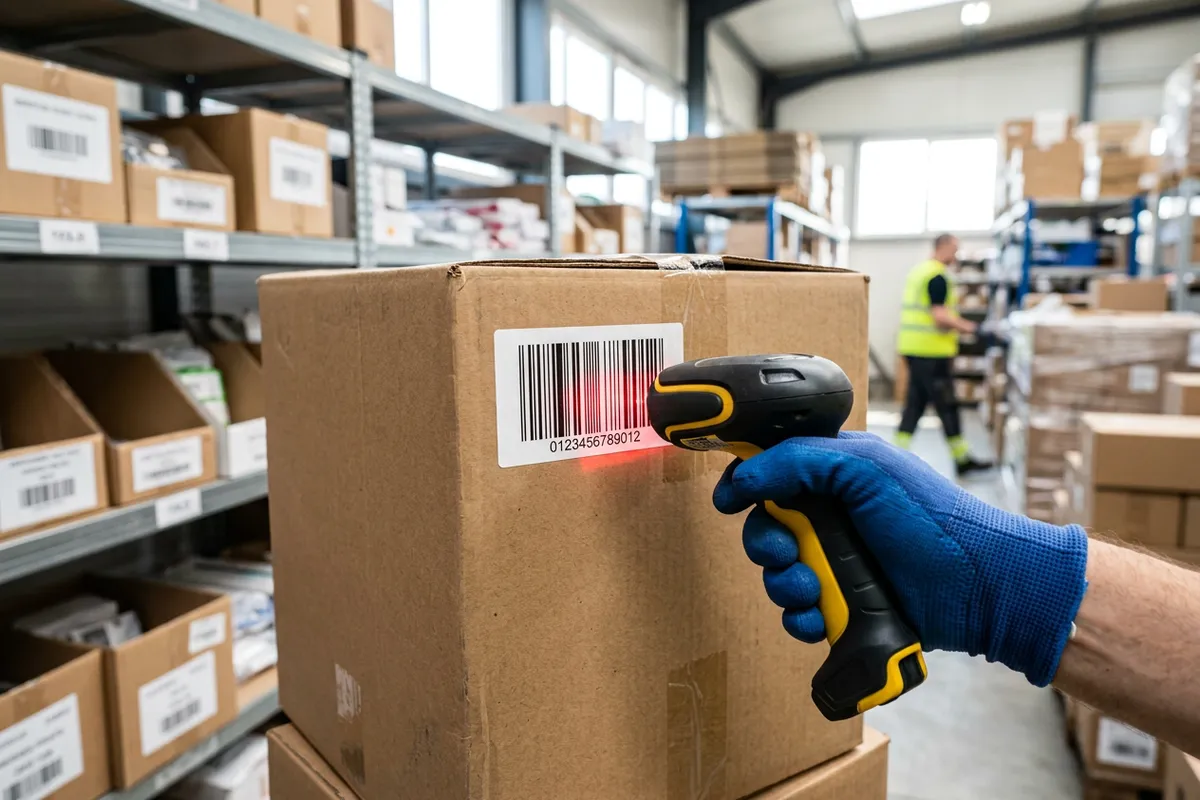
Barcode scanning in warehouses is the single most cost-effective upgrade a small operation can make to inventory accuracy. It replaces slow, error-prone manual data entry with a fast, verified digital read at every step — receiving, put-away, picking, and shipping. This guide explains how it works, the benefits it delivers, the hardware you need, and how to roll it out without disrupting your operation.
Scanning is a core capability of any modern system; for the wider context, see our guide to warehouse management software for small business.
How barcode scanning works
Every item, location, and often every order carries a barcode. When a worker scans it, the system instantly identifies exactly what was scanned and records the action — no typing, no guesswork. Scanning a location and then an item confirms the item is in the right place; scanning during picking confirms the right product is going into the right order. The barcode itself is just a printed code that maps to a record in your system, so generating and printing labels for products and shelf locations is inexpensive and quick. The result is a continuous, verified record of everything that moves — a live audit trail you can trust rather than a set of notes to reconcile later.
The accuracy benefit
Manual entry is where most inventory errors are born: a transposed digit, a wrong SKU, a skipped line. Scanning removes that entire class of mistakes by turning every transaction into a verified read rather than a hopeful keystroke. Combined with regular cycle counting, it keeps inventory records trustworthy enough to make confident decisions about purchasing and selling. Accurate stock data has knock-on benefits well beyond the warehouse floor: your storefront shows true availability, your purchasing avoids both stockouts and overbuying, and your customer service stops apologizing for overselling items you did not actually have.
The speed benefit
Scanning is not just more accurate — it is faster. A scan takes a fraction of the time of writing down or typing a code, and it eliminates the rework caused by errors. Faster, verified data capture speeds up your whole pick and pack process and gets orders out the door sooner. Because the data lands in your system the instant an item is scanned, stock levels and order status update in real time — there is no end-of-day reconciliation, no backlog of paperwork, and no lag between what happened on the floor and what your system shows. That immediacy is what lets a small team react quickly instead of always catching up.
Where scanning pays off first
If you are just starting, apply scanning to receiving first. Receiving is where inventory data is created, so accurate scans there prevent errors from flowing downstream into every count and pick. From there, extend scanning to put-away, picking, and shipping.
Choosing your hardware
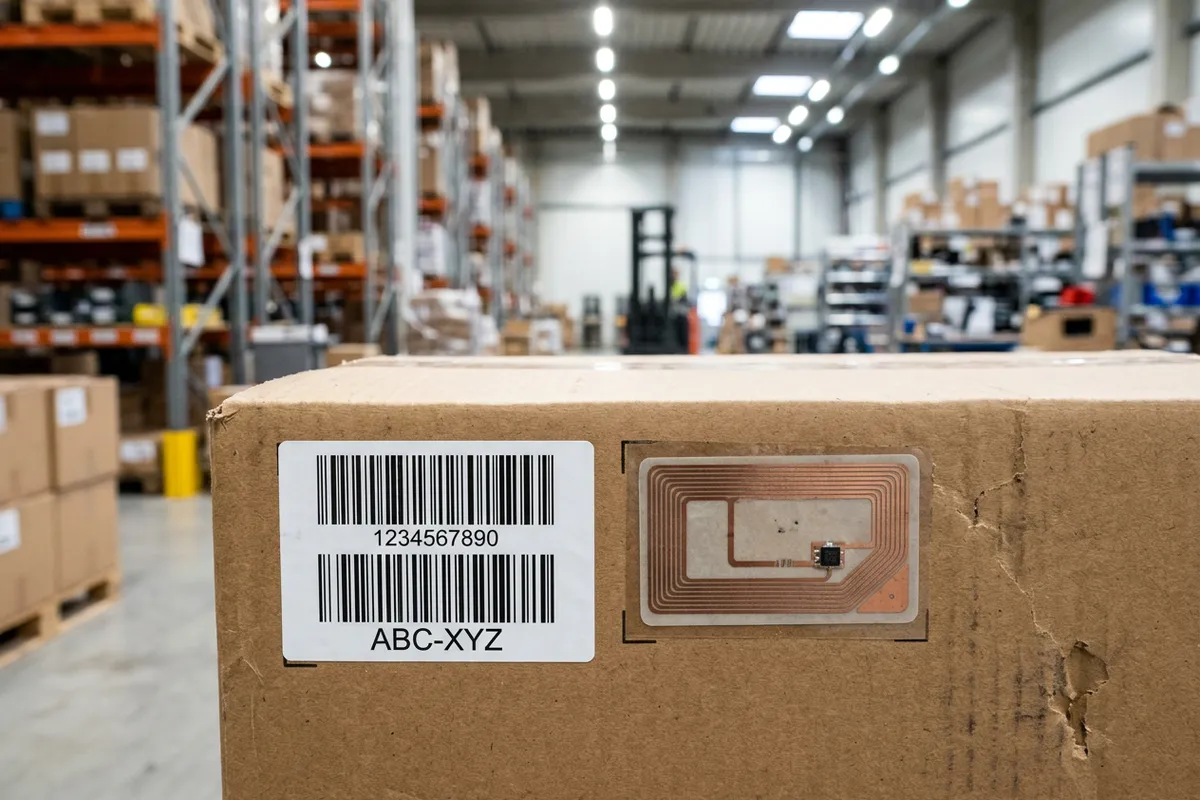
You do not need an expensive setup. Modern cloud systems work with low-cost handheld scanners or the camera in a standard smartphone or tablet, so most small warehouses can start for very little. When choosing, favor rugged devices if your environment is dusty or cold, and make sure the scanner pairs reliably with the device your team already uses. Keep a spare on hand so a single failed scanner never halts fulfillment. If you are weighing more advanced options, our comparison of barcode vs RFID for small warehouses explains when the extra investment in RFID is worth it — for most small operations, barcodes win on value.
Avoiding common pitfalls
A few missteps can undermine a scanning rollout. Poor-quality or badly placed labels that will not scan first time frustrate staff and tempt them to key codes in manually — invest in durable labels and good placement. Skipping training leads to workarounds that defeat the purpose. And trying to scan every workflow at once overwhelms the team. Introduce scanning where it delivers the most value first, prove the benefit, then expand. Treat any location or item that repeatedly fails to scan as a maintenance task, not a reason to abandon the process.
Rolling it out
Introduce scanning in stages so the team adapts comfortably: label your locations and items, train staff on one workflow at a time, and confirm accuracy improves before moving to the next step. A sensible sequence is receiving first, then put-away, then picking, then shipping — each stage builds on the accurate data created by the one before it. Backed by a lightweight WMS, barcode scanning quickly becomes second nature — and the accuracy and speed gains show up almost immediately, usually within the first week of consistent use.