WMS Implementation for Small Warehouses: A Practical Rollout Plan

For small operators, buying software is the easy part. The hard part is implementing it without disrupting shipping, confusing staff, or importing bad inventory data into a new system. That is why WMS implementation for small warehouses needs a practical rollout plan, not a giant enterprise project plan full of meetings and theory.
If you run a warehouse with 5 to 50 employees, your implementation should focus on a simple goal: get core workflows under control fast, then improve from there. That means stabilizing receiving, putaway, inventory moves, picking, packing, and shipping with clean data, clear rules, and measurable checkpoints. This guide walks through exactly how to do that.
If you are still evaluating platforms, start with StockRoute’s warehouse management features to understand what your operation should expect from a modern system.
What a successful WMS rollout looks like in a small warehouse
Success is not defined by how many features you turn on. It is defined by whether the warehouse team can use the system accurately under normal daily pressure.
In practical terms, a good rollout should produce results like these within the first 30 to 60 days after go-live:
- Inventory accuracy above 97% for active pick locations
- Picking accuracy above 99% on shipped order lines
- Dock-to-stock time reduced by 20% to 40% for standard receipts
- Less manual spreadsheet tracking for stock moves, shortages, and replenishment
- Faster employee onboarding because workflows are system-driven and consistent
These gains do not require a massive automation budget. They require discipline in setup and rollout.
Step 1: Standardize your warehouse processes before touching the software
A WMS exposes process inconsistency very quickly. If two receivers handle the same PO in different ways, or pickers choose locations based on habit instead of rules, the new system will not fix that automatically.
Document the six workflows that matter most
Before configuration starts, write down how your operation should handle:
- Receiving
- Putaway
- Bin transfers
- Replenishment
- Picking
- Packing and shipping confirmation
Keep these process documents short. One page per workflow is often enough. For each one, define:
- Who performs the task
- What triggers the task
- What gets scanned or entered
- What exceptions are common
- What counts as complete
If you skip this step, the software vendor will end up designing your process for you, and that often leads to workarounds later.
Identify exceptions early
Small warehouses usually have a few messy but common scenarios, such as partial receipts, mixed-SKU pallets, customer-specific labeling, substitute items, or orders that ship from overflow space. Build these into testing from day one. The goal is not perfection. The goal is preventing panic on go-live day.
Step 2: Clean your master data before migration
Bad data is the most common implementation problem in small warehouses. A WMS depends on structured, reliable master data to direct labor and maintain stock accuracy.
The minimum data you should verify
- SKU master: item number, description, unit of measure, barcode, case pack, inner pack, weight, dimensions
- Location master: bin naming convention, zone, pick face vs reserve, capacity if used
- Customer and supplier records: names, addresses, shipping requirements, lead times
- Current on-hand inventory: quantity by location, lot or serial if applicable, hold status
Watch closely for duplicate SKUs, inconsistent units of measure, and missing barcodes. If one employee calls an item EA and another calls it EACH, you will create avoidable confusion in receiving and picking.
Use a simple location naming structure
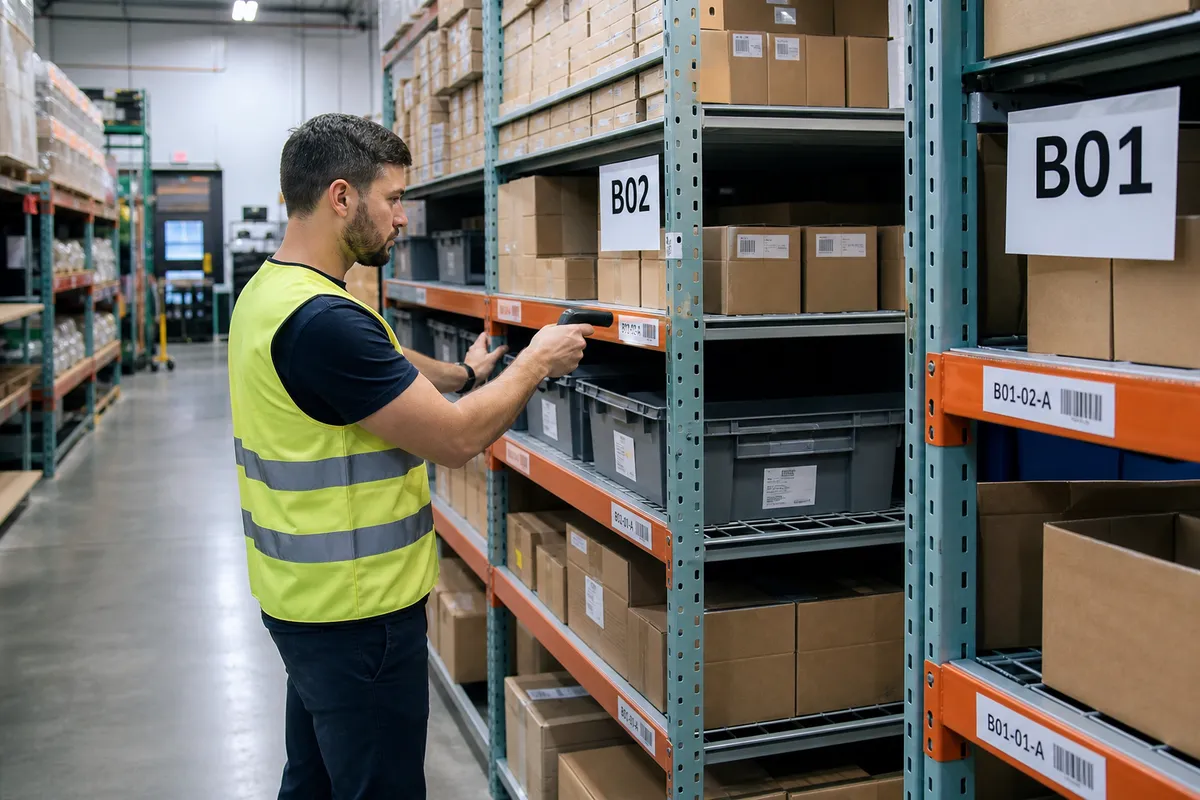
Do not overcomplicate bin locations. A small warehouse usually does well with a structure such as A-01-02-03 for aisle, bay, level, and position. What matters most is that every physical location is clearly labeled and matches exactly what exists in the WMS.
The National Institute of Standards and Technology has long emphasized the importance of strong data quality practices because inaccurate data creates operational risk in every downstream system. Their guidance is a useful reminder that software accuracy starts with source data quality, not reports after the fact: https://www.nist.gov/itl.
Step 3: Decide what to launch on day one and what to phase in later
Small warehouses often make implementation harder by trying to activate every feature immediately. A better approach is to split the rollout into core functions and phase-two enhancements.
Good day-one scope
- Purchase order receiving
- Directed putaway or controlled location assignment
- Real-time inventory by bin
- Sales order picking
- Packing verification
- Shipment confirmation
- Basic user permissions
- Standard operational reports
Good phase-two scope
- Advanced replenishment rules
- Customer-specific workflows
- Kitting or light assembly logic
- Returns processing enhancements
- Deep ERP or carrier integrations beyond the basics
- Custom dashboards and analytics
This phased approach reduces the chance that your team gets overwhelmed. It also gives managers time to verify that the core system is working before layering on complexity.
Step 4: Build your implementation team with clear ownership
You do not need a large project team, but you do need clear accountability.
| Role | Main responsibility |
|---|---|
| Owner or GM | Approves scope, removes roadblocks, sets priorities |
| Warehouse lead | Defines real workflows, validates setup, leads floor adoption |
| Inventory lead | Owns item data, location data, count accuracy |
| Admin or ops support | Coordinates user setup, documentation, schedules, test records |
| Vendor implementation contact | Configures system, trains team, supports testing and go-live |
One person internally should act as the project owner. In small businesses, this is often the warehouse manager or operations manager. Without a single point of decision-making, testing drags on and everyone assumes someone else is handling open issues.
Step 5: Run a physical inventory reset before go-live
If your current inventory accuracy is poor, do not migrate the numbers and hope the WMS fixes them. Reset the building first.
Best practice for small warehouses
- Freeze nonessential location changes for a short window
- Label every active bin clearly
- Count active pick faces first, then reserve locations
- Resolve obvious overages and shortages before upload
- Load opening balances by exact warehouse location
- Validate a sample of high-volume and high-value SKUs
This is one of the highest-value implementation tasks you can do. A cleaner starting point means fewer emergency adjustments and less distrust from the floor team.
Step 6: Test workflows with real orders, not ideal examples
Testing should look like your warehouse on a busy Tuesday, not a software demo. Use actual SKU mixes, real order sizes, and common exceptions.
Create three test groups
- Normal flow: standard receipts, putaway, picks, packs, and shipments
- Edge cases: short receipts, damaged stock, partial picks, urgent orders, backorders
- Stress cases: multiple users working at once, high line counts, same-SKU demand from different orders
Have supervisors document every issue in a simple log:
- What happened
- What should have happened
- How often the issue is likely to occur
- Whether it is a training issue, data issue, or software setup issue
This prevents the team from treating every problem as a system defect when many are actually process or data problems.
Step 7: Train by role, not with one generic session
One of the fastest ways to derail adoption is to train everyone the same way. Receivers, pickers, packers, and supervisors need different instruction and different practice scenarios.
Recommended training structure
- Receivers: PO lookup, quantity entry, exception handling, label application, putaway handoff
- Pickers: device use, scan discipline, short pick handling, location confirmation
- Packers: order verification, carton confirmation, shipping status updates
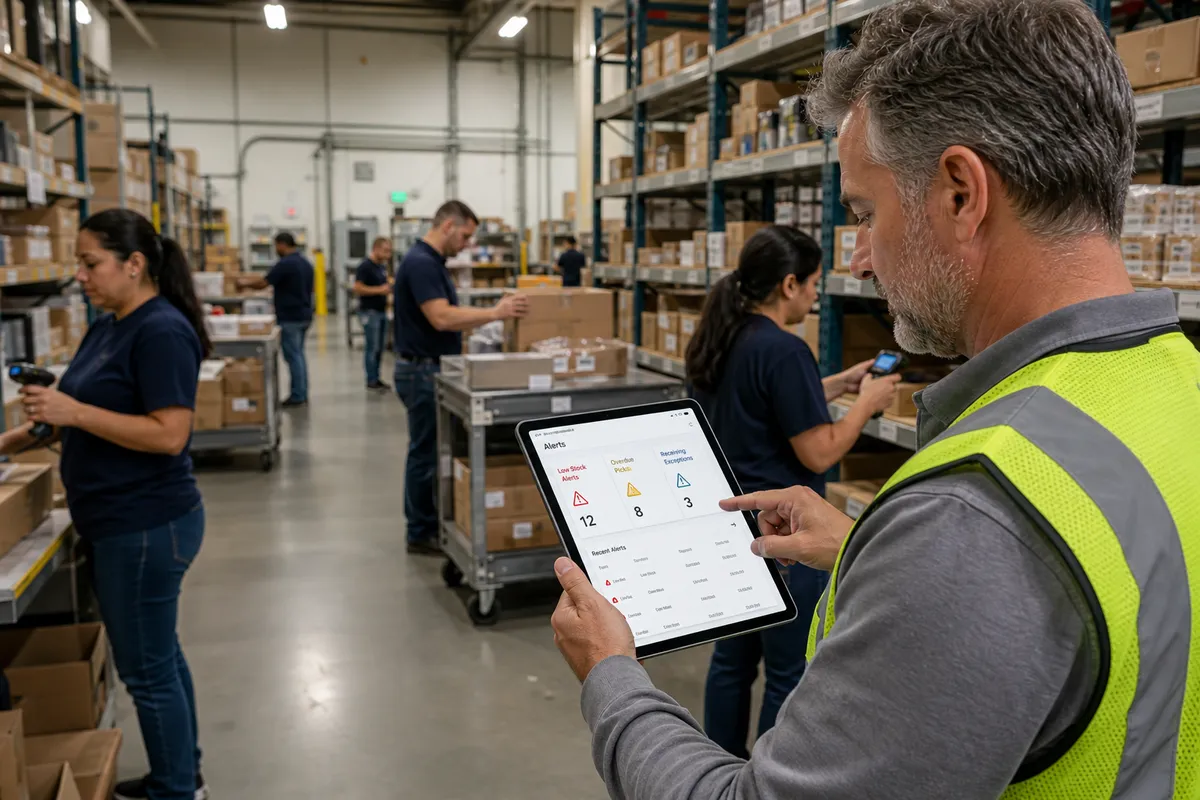
- Supervisors: dashboard use, exception queues, inventory adjustments, user support
Keep sessions short and hands-on. In small warehouses, 45 to 90 minutes per role usually works better than half-day classroom sessions. Then schedule live floor practice with coaching.
Tip: Train your strongest hourly employees first and use them as floor champions during the first week after go-live. Peer support reduces resistance faster than manager reminders alone.
Step 8: Plan a controlled go-live window
A small warehouse should not go live in the middle of its busiest shipping period unless there is no alternative. Choose a lower-volume window and simplify the week.
Go-live checklist
- Open orders reviewed and prioritized
- Open purchase orders verified
- Users and devices tested
- Barcode labels printed and applied
- Printers mapped and shipping documents tested
- Support contacts assigned by shift
- Manual fallback process documented for emergencies
Many teams benefit from a short cutover approach: finish current-day shipping in the old method, complete final inventory validation, then begin next-day operations in the WMS. Avoid running two systems in parallel for too long. It creates duplicate work and conflicting inventory records.
Step 9: Measure the first 30 days obsessively
Go-live is not the finish line. The first month is where most long-term gains are won or lost.
Track these five KPIs weekly
| KPI | Why it matters | Healthy early target |
|---|---|---|
| Inventory accuracy | Shows whether transactions are being recorded correctly | 97%+ |
| Order picking accuracy | Directly affects customer satisfaction and rework | 99%+ |
| Dock-to-stock time | Measures receiving efficiency and inventory availability | 20%-40% improvement |
| Lines picked per labor hour | Shows whether the system is helping productivity | 5%-15% improvement |
| Inventory adjustments | Reveals transaction breakdowns and training gaps | Declining weekly |
If adjustment volume is rising, do not ignore it. That is often the earliest warning sign that scanning discipline, location control, or exception handling is slipping.
For broader guidance on designing safer, more disciplined operational processes, OSHA’s warehousing resources are worth reviewing, especially when workflow changes affect travel paths, staging areas, or material handling routines: https://www.osha.gov/warehousing.
Common mistakes small warehouses make during WMS implementation
1. Skipping location labeling until the last minute
If bins are not labeled clearly before training and testing, employees cannot build confidence in the system. Label accuracy is foundational.
2. Migrating too much old data
Bring over what you need to operate, not every historical transaction from the last several years. Extra data adds cleanup work and confusion.
3. Customizing before stabilizing
Most small warehouses should master standard workflows first. Custom requests are easier to evaluate once real users have worked in the system for a few weeks.
4. Letting supervisors stay too far from the floor
During go-live, supervisors need to spend time in receiving, picking, and packing. Problems are solved faster at the point of work than in an office.
5. Treating training as a one-time event
Implementation training should continue after go-live through coaching, mini refreshers, and issue reviews by role.
A realistic 8-week WMS implementation timeline
| Week | Primary focus |
|---|---|
| 1 | Process review, scope definition, project ownership |
| 2 | Item data cleanup, location mapping, barcode review |
| 3 | System configuration, user roles, receiving and picking logic |
| 4 | Initial testing with sample orders and receipts |
| 5 | Physical inventory validation, label rollout, issue fixes |
| 6 | Role-based training and end-to-end workflow testing |
| 7 | Final cutover planning, open order review, go-live readiness |
| 8 | Go-live, daily issue review, KPI tracking, floor support |
Some warehouses can move faster, especially if they have clean data and straightforward workflows. Others need more time because of customer-specific requirements or integration complexity. The key is not speed alone. It is controlled progress with clear ownership.
How StockRoute can simplify implementation
Small operators usually do best with software that is designed for practical execution, not enterprise complexity. A good WMS should help your team receive, locate, pick, and ship accurately without creating extra administrative work.
If you want a system built for growing operations, explore StockRoute, review the latest warehouse guides on our blog, or compare plans on our pricing page. If you are ready to move, the simplest next step is to start your StockRoute trial and map your rollout around your real workflows.
Conclusion
A successful WMS rollout in a small warehouse is less about technology and more about execution. Clean data, standard workflows, labeled locations, role-based training, and a disciplined go-live plan will do more for results than a long feature list.
Start with the basics, launch the core workflows well, and measure the first 30 days closely. When the team trusts the data and follows the same process every time, the WMS stops being just software and becomes the operating system of the warehouse.
If you would like help planning your rollout, contact the StockRoute team to discuss your operation and implementation needs.