Warehouse Mobile Apps: A Practical Guide for Small Teams
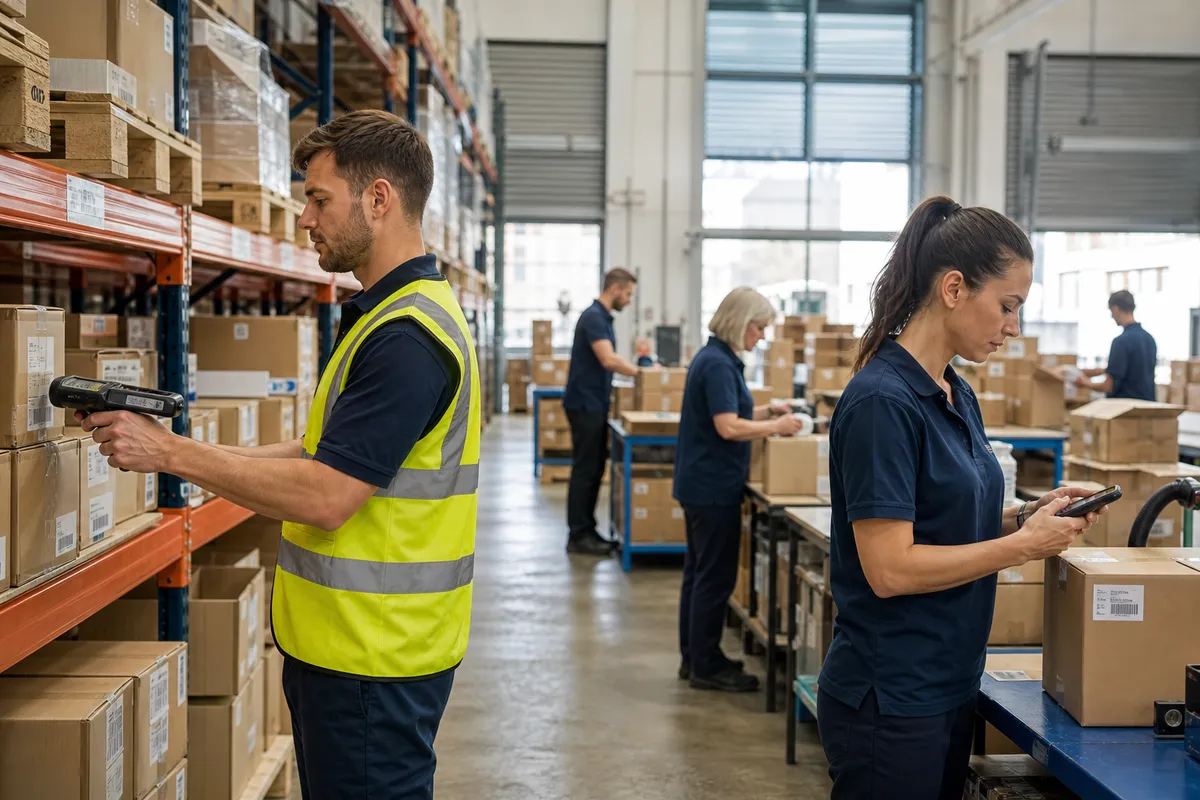
For many small warehouses, the biggest operational delays do not come from lack of effort. They come from walking back to a desk, rekeying notes, chasing paper pick lists, and waiting for someone else to update inventory. That is where warehouse mobile apps can make an outsized difference.
A good mobile workflow puts the system where the work happens: at the receiving door, in the aisle, at the pick face, and at the packing station. For small teams, that means fewer touches, faster updates, and fewer preventable mistakes. The key is not buying the most complex tool. It is choosing mobile capabilities that solve real bottlenecks without creating new ones.
This guide explains what warehouse mobile apps do, where they pay off fastest, how to choose the right setup, and how small warehouses can roll them out without disrupting daily shipping.
What warehouse mobile apps actually change
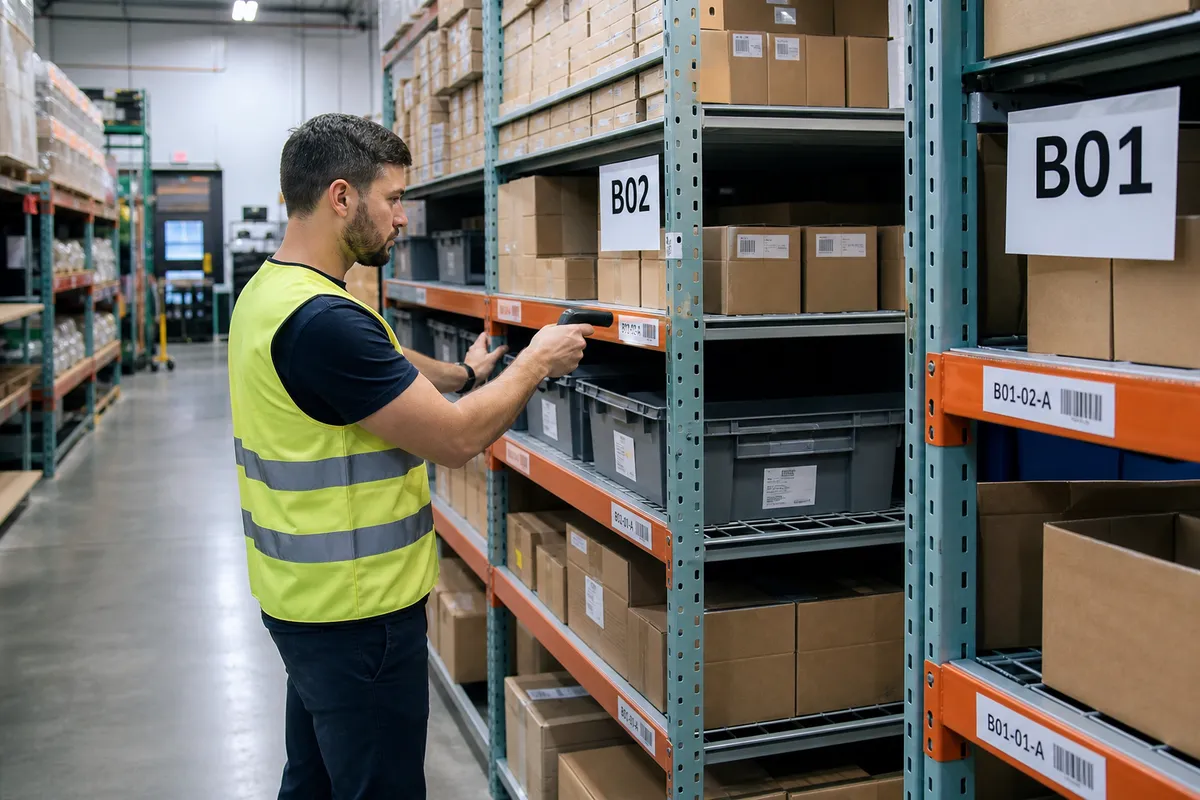
At a basic level, warehouse mobile apps replace delayed, manual data entry with real-time task execution. Instead of writing down quantities and updating records later, staff scan an item, confirm a bin, complete the task, and let the system update inventory immediately.
For a small warehouse, that shift affects three things right away:
- Speed: less back-and-forth to printers, clipboards, and desktop stations.
- Accuracy: scans verify item, location, lot, or quantity at the point of activity.
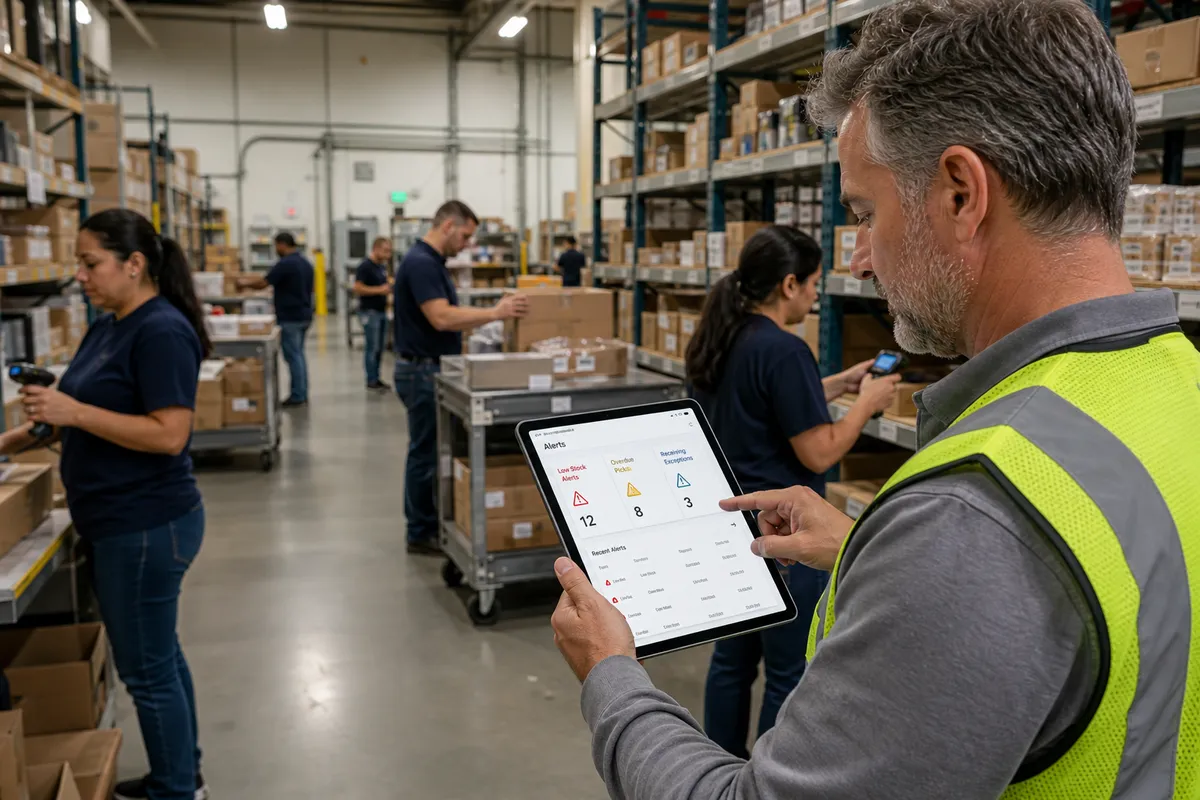
- Visibility: owners and supervisors can see what has been received, picked, packed, or counted in near real time.
This is especially valuable if your team still relies on spreadsheets, printed lists, or tribal knowledge. A mobile app does not just digitize paperwork. It standardizes the workflow and reduces room for guesswork.
The workflows that benefit most from mobile execution
Not every process needs to be mobilized on day one. Small warehouses usually get the best return by starting with the workflows where delays and mistakes are most expensive.
Receiving
Receiving is often the first strong use case because errors at the dock ripple through every downstream process. With a mobile app, staff can scan inbound items, confirm quantities, assign locations, note damaged units, and post receipts immediately.
That matters because inventory that sits in a “received but not updated” gap causes stock discrepancies, order delays, and duplicate purchasing. If inbound volume is modest, even a simple barcode-based mobile receiving flow can remove hours of cleanup each week.
Putaway
When putaway instructions live in people’s heads, inventory ends up in overflow corners, mixed bins, or the nearest open spot. A mobile app can direct users to a designated bin and confirm the location with a scan. That improves location discipline and makes later picks more reliable.
If you run 500 to 5,000 SKUs, even basic mobile putaway logic can sharply reduce time spent searching for misplaced stock.
Picking
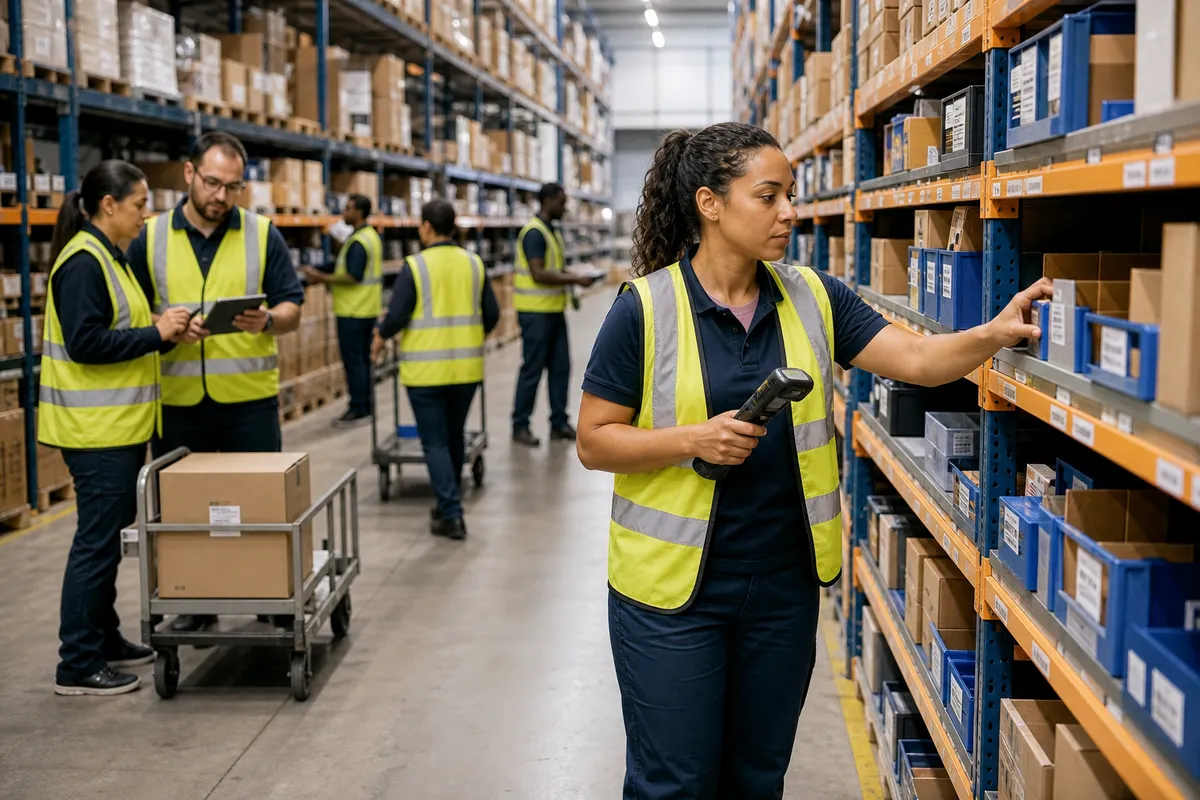
Picking is where labor time disappears fastest. A mobile app can assign tasks, guide the picker through the route, validate the SKU and location, and reduce mis-picks before they reach the pack bench. In many small operations, replacing paper lists with guided mobile picking is one of the highest-value technology upgrades available.
If your current process includes verbal clarifications like “that item is usually on the second shelf near the back,” mobile execution is likely overdue.
Packing and shipment confirmation
Mobile apps can also support packing by verifying order contents before carton close, recording exceptions, and updating shipment status in real time. This is useful when packers currently wait on printed paperwork or manually mark orders complete.
Cycle counts and stock checks
Counts become much easier when staff can scan the bin, scan the item, enter the count, and post the result immediately. Mobile count workflows also create a cleaner audit trail than paper sheets. If inventory accuracy is slipping, mobile counting is a practical control point.
Signs your warehouse is ready for mobile apps
You do not need to be a large operation to benefit from mobile tools. In fact, smaller teams often feel the gains faster because one bottleneck affects the whole building. You are likely ready if several of these are true:
- Inventory updates happen after the task instead of during it.
- Staff frequently ask where items are stored.
- Receiving paperwork piles up before being entered.
- Mis-picks or short shipments happen weekly.
- Cycle counts produce frequent surprises.
- Supervisors spend too much time answering status questions.
- One or two experienced employees hold too much process knowledge.
If those issues sound familiar, mobile execution is not a nice-to-have. It is a way to reduce dependency on memory and manual correction.
Phone apps vs rugged handhelds: what small warehouses should choose
One of the biggest questions is whether to use smartphones or dedicated handheld devices. The right answer depends on scan volume, environment, and process criticality.
| Option | Best for | Pros | Watch-outs |
|---|---|---|---|
| Smartphones | Low to moderate volume operations | Lower upfront cost, familiar interface, easier deployment | Camera scanning can be slower, less durable, battery limits |
| Rugged handhelds | High scan volume or harsher environments | Fast scanning, durable, longer uptime, glove-friendly | Higher upfront cost, more device management |
As a rule of thumb, phones can work well if your warehouse ships a modest number of orders, has a relatively clean environment, and does not require constant scanning for full shifts. Dedicated devices usually pay off when speed and reliability matter more than hardware savings.
Either way, test in real conditions. Concrete floors, poor Wi-Fi coverage, reflective labels, freezer zones, and long shifts expose weaknesses quickly.
Core features to prioritize in warehouse mobile apps
Small teams do not need every advanced feature. They do need the right ones. Focus on capabilities that improve execution without adding complexity.
Fast barcode scanning
The app should make scanning central to the workflow, not optional. If users can bypass scans too easily, accuracy gains will be limited.
Real-time inventory updates
Tasks should update stock, status, and location as they are completed. Delayed sync defeats much of the value.
Simple, guided task flows
The best mobile apps reduce decision fatigue. A worker should clearly see the next action, expected quantity, and correct location.
Exception handling
Real warehouses have shorts, overages, damaged stock, unreadable labels, and blocked bins. The app must let users report exceptions without abandoning the workflow.
User permissions
Not everyone should be able to adjust stock freely. Role-based controls help limit accidental or unauthorized changes.
Offline or weak-signal resilience
If Wi-Fi dips in certain aisles or loading areas, the app should fail gracefully. Warehouses should also review wireless coverage before rollout. OSHA emphasizes the importance of safe, well-managed material handling environments, and technology reliability is part of that operational discipline: https://www.osha.gov/warehousing.
What good mobile workflows look like in practice
The software matters, but workflow design matters just as much. Here is what an effective small-warehouse mobile process usually includes.
1. Every active location is labeled
If bins and shelves are not clearly labeled, the app cannot enforce location accuracy. Labels do not need to be expensive, but they do need to be consistent and scannable.
2. Every scannable SKU has a trusted barcode
If products arrive with inconsistent supplier labels, create internal labels where needed. Do not assume all barcodes are usable on day one.
3. Transactions are confirmed at the point of work
Receiving, putaway, picks, and counts should be completed where the physical action happens. Avoid later batch entry wherever possible.
4. Exceptions have a controlled path
Users should know exactly what to do if an item is missing, damaged, over-received, or stored in the wrong bin. A mobile app should support that decision path instead of forcing side notes.
5. Supervisors can monitor progress without hovering
When the system shows open tasks, completed tasks, and blocked tasks, supervisors spend less time checking manually and more time removing constraints.
A practical rollout plan for small warehouses
Many operators overestimate the disruption of mobile deployment. The safest path is a narrow launch with measurable goals.
Step 1: Pick one workflow first
Start with receiving or picking. These usually produce the fastest visible gains. Do not try to digitize every process at once.
Step 2: Clean the minimum data set
Before launch, verify your active SKUs, units of measure, and bin labels. You do not need perfect master data, but you do need enough accuracy to avoid constant workarounds.
Step 3: Test with real transactions
Run actual inbound receipts or live customer orders through the app. Include awkward cases like mixed cartons, damaged items, and alternate bins.
Step 4: Train by role, not with generic demos
Receivers need different training than pickers and supervisors. Keep sessions short, hands-on, and task-based. One hour on the floor beats three hours in a conference room.
Step 5: Track three KPIs for 30 days
Measure only the indicators tied to the launch workflow. For example:
- Receiving: dock-to-stock time, receipt accuracy, unposted receipts at end of day
- Picking: picks per labor hour, mis-pick rate, orders shipped on time
- Counting: count completion rate, adjustment rate, inventory accuracy
For practical KPI benchmarking and process visibility ideas, teams can also review operational resources from the broader industry such as Modern Materials Handling: https://www.mmh.com/.
Step 6: Expand only after the first workflow stabilizes
Once the first use case is working consistently, add the next one. That usually means receiving first, then picking, then cycle counts, then replenishment or packing verification.
Common mistakes that reduce the payoff
Small warehouses can absolutely succeed with mobile tools, but a few mistakes show up repeatedly.
Digitizing bad processes without fixing them
If your current receiving process allows unlabeled overflow, vague item identification, or delayed discrepancy reporting, a mobile app will expose those weaknesses. It will not automatically solve them.
Skipping location discipline
Mobile apps depend on trustworthy bin structure. If inventory is regularly stored outside the system, adoption suffers because users stop trusting what the device says.
Choosing too many features too early
Complexity slows training and creates resistance. A small team usually gets better results from a clean, narrow workflow than from an ambitious multi-module launch.
Ignoring Wi-Fi and battery reality
A strong demo in an office is not the same as a reliable shift on the floor. Walk the building, test dead zones, and plan for charging or spare batteries.
Not defining who owns exceptions
When users hit an issue and do not know whether to skip, override, or escalate, throughput drops. Define clear ownership for inventory and fulfillment exceptions from the start.
What results small warehouses can realistically expect
Exact gains depend on baseline discipline, product mix, and order complexity, but small warehouses often see improvements in these areas within the first one to three months:
- Faster inventory posting after receipts
- Lower mis-pick rates due to scan validation
- Fewer manual stock adjustments
- Less time spent searching for items
- More reliable order status visibility
- Shorter training time for new hires
Even modest time savings matter in a 5- to 50-person operation. If two employees each recover 30 to 45 minutes per shift from fewer manual steps and interruptions, that can translate into hundreds of labor hours per year, plus fewer service failures.
How StockRoute helps small teams put mobile workflows to work
Small warehouses need software that improves control without forcing enterprise-level complexity. That is where a focused system matters. StockRoute is designed to help growing operations manage inventory and warehouse workflows with the visibility and structure that spreadsheets and paper struggle to provide.
If you are evaluating mobile-ready warehouse systems, explore StockRoute’s features, review the latest resources on the blog, or compare plans on the pricing page. If you want to talk through your operation’s requirements, you can also contact our team.
Conclusion
Warehouse mobile apps are not just for large distribution centers. For small warehouses, they can be one of the most practical technology upgrades available because they reduce delays exactly where work happens. The best results come from starting small, choosing one high-friction workflow, enforcing scan-based discipline, and measuring a few operational outcomes that matter.
If your team is still relying on paper notes, delayed updates, or constant verbal clarification, mobile execution is worth serious consideration. And if you want a system built for fast-moving small operations, take a closer look at StockRoute and start with a plan that fits your warehouse today.
Ready to modernize your floor without overcomplicating it? See how StockRoute can support cleaner warehouse workflows and try a plan that fits your team on the signup page.